Local multiplayer
2 Player Games Unblocked — Free Local Multiplayer
Quick answer: two players, one keyboard, no download. This collection covers physics basketball, arcade football, a 1v1 court battle, a parkour race and an online kart arena. Every game opens in a browser tab, so it works on a school Chromebook or a shared laptop without installing anything.

Which 2 player game fits your setup?
| Game | Multiplayer type | Device | Engine |
|---|---|---|---|
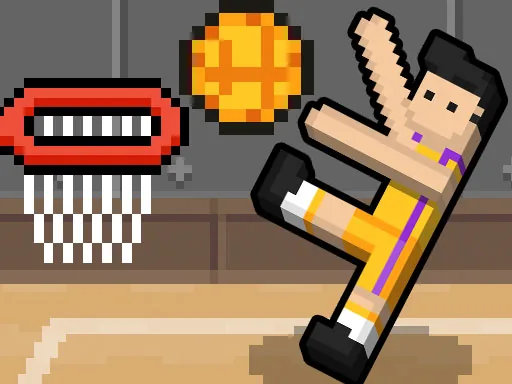
| Basket Random Unblocked | Local 2-player (W and Up arrow) | PC & Mobile | HTML5 |
| Basketball Stars Unblocked | 1v1 versus match | Desktop Browser | HTML5 |
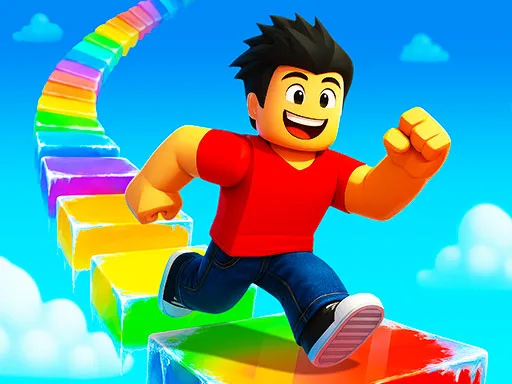
| Obby Rainbow Tower | Local 2-player race | PC & Mobile | HTML5 |
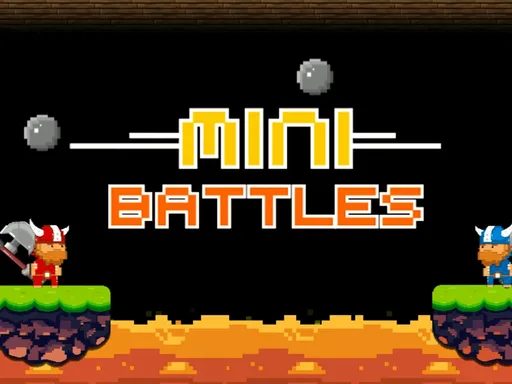
| 12 MiniBattles - Two Players | Local party: one button per player | PC & Mobile | HTML5 |
| Ragdoll Duel 2P | Local two-player physics duel | PC & Mobile | HTML5 |
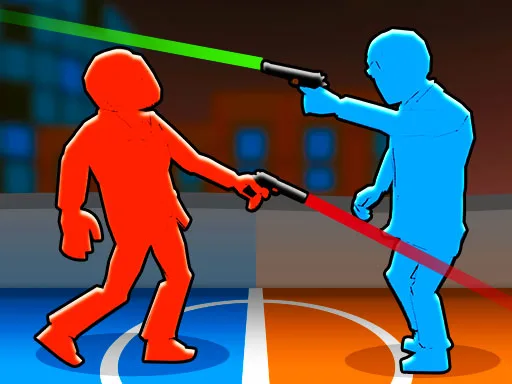
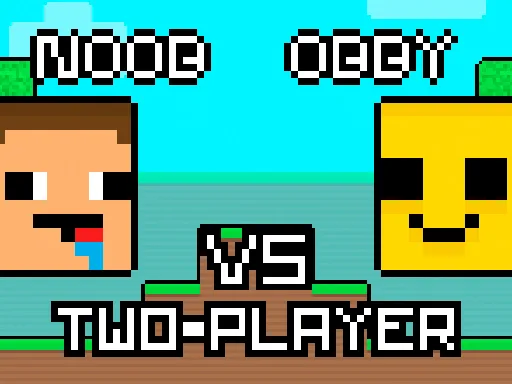
| Noob vs Obby Two Player | Local two-player battle | PC & Mobile | HTML5 |
How do local 2-player browser games work?
Local multiplayer does not need a network connection between players. Both players share the same keyboard, and each game assigns a different key set to each side. In Basket Random, Player 1 jumps with W and Player 2 with the Up arrow. In Football Bros the second player uses the arrow keys while the first uses WASD.
If you are on a Chromebook, keep the game in fullscreen so both players can see the whole arena. Keyboard ghosts are common on cheap keyboards: if one player stops responding while the other holds three keys, releasing the extra keys usually fixes it.
Sources: multiplayer modes, controls and device support come from the official provider listings Basket Random Unblocked, Basketball Stars Unblocked, Obby Rainbow Tower, 12 MiniBattles - Two Players, Ragdoll Duel 2P, Noob vs Obby Two Player.
More games to play
Prefer solo play? Browse the Sports category or the IO & Multiplayer category, or go back to all free browser games.
2 Player Games: FAQ
Can two players use one keyboard in these games?
Basket Random, Football Bros and Obby Rainbow Tower include local two-player modes: one player uses the W key or arrow keys and the second player uses a separate set of keys or arrows on the same keyboard.
Are these 2 player games free?
Yes. Every game on this page is free to play in the browser on TIDDLYPLAY, with no account and no download.
Which 2 player game is easiest to start with?
Basket Random uses a single button per team, so it is the fastest to learn. Football Bros adds passing and tackling, Basketball Stars is a 1v1 court game, and Smash Karts is an online arena rather than a local match.
Do these games work on a school Chromebook?
The games run in Chrome on a Chromebook. Keyboard games work best on a laptop or Chromebook; a phone is only suitable for the titles marked Mobile Ready on their game page.