Browser simulators
Simulator Games
Drive a city bus, explore an island on horseback or run an airport. These browser simulators run without a download and restart in seconds.
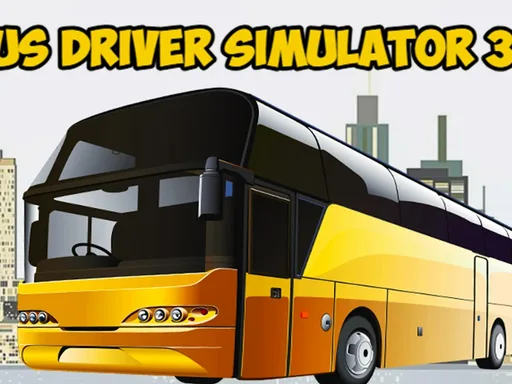


Which simulator fits you?
| Game | Simulator type | Device | Engine |
|---|---|---|---|
| Bus Driver Simulator 3D | City bus driving with stops | PC & Mobile | HTML5 |
| Horse Simulator 3D | Open-island exploration | PC & Mobile | HTML5 |
| Airport Simulator: Plane Tycoon | Airport management tycoon | PC & Mobile | HTML5 |
What should you know before you play?
Simulators split into two habits here: driving games where the challenge is precision, and management games where the challenge is scheduling. Bus Driver Simulator 3D is the first, Airport Simulator is the second, and Horse Simulator 3D is the calm explore-at-your-own-pace option.
All three are short-session friendly and run in a browser tab. The bus and horse games use movement controls, while the airport tycoon is click-and-tap; each game page lists the controls that the build actually uses.
Sources: game details, controls and device support come from the official provider listings Bus Driver Simulator 3D, Horse Simulator 3D, Airport Simulator: Plane Tycoon.
Simulator Games: FAQ
What counts as a simulator game?
A browser simulator recreates a real-world activity like driving a bus, riding a horse or running an airport. These games focus on the routine of the job rather than arcade action.
Are these simulator games free?
Yes. Every game on this page is free in the browser with no account and no download.
Do simulator games work on a Chromebook?
Yes. All three are HTML5 browser builds. The bus and horse games are Mobile Ready as well, and the airport tycoon works with taps.
Which simulator should I start with?
Bus Driver Simulator 3D is the easiest to read, because the route and stops are visible. Airport Simulator is better if you prefer planning over driving.